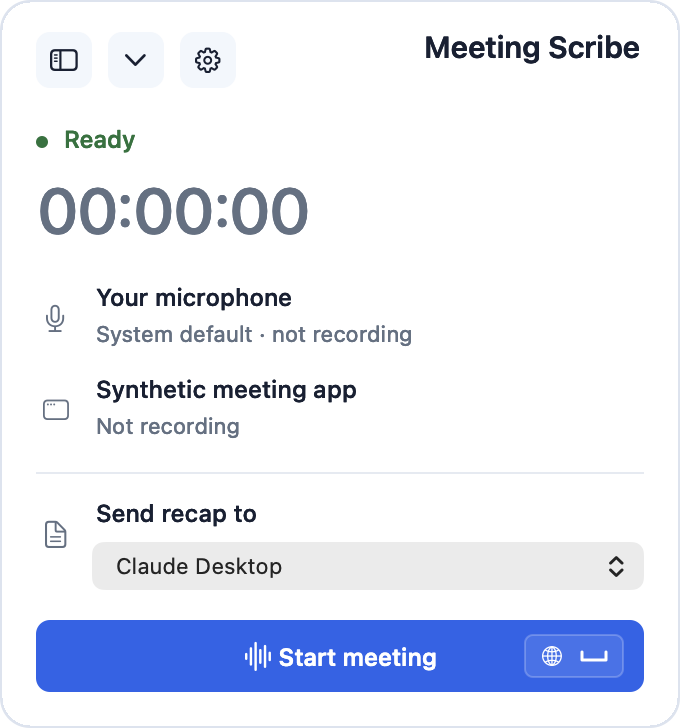
Meeting Scribe
Logo-free macOS meeting recorder. Latest release: 0.2.0.
Download for Apple Silicon Mac
Install
- Open the DMG and drag Meeting Scribe into Applications.
- Open the app. If macOS blocks this ad hoc signed beta, use System Settings → Privacy & Security → Open Anyway.
- Follow the setup screens to grant microphone and screen audio access, then connect your recap agent.
The app bundles its speech models and runtime. Recording stays on your Mac until you choose a recap destination.
SHA-256 checksum: ed3318012de0b35d6ebcfa5d64199a470c008005144d540b7f5c18c221d95a01